Arduino Button Debounce
Level 28 · Level 28 — It Bounced · 30 minutes
A real button does not click once, it chatters. Count every press exactly once anyway.
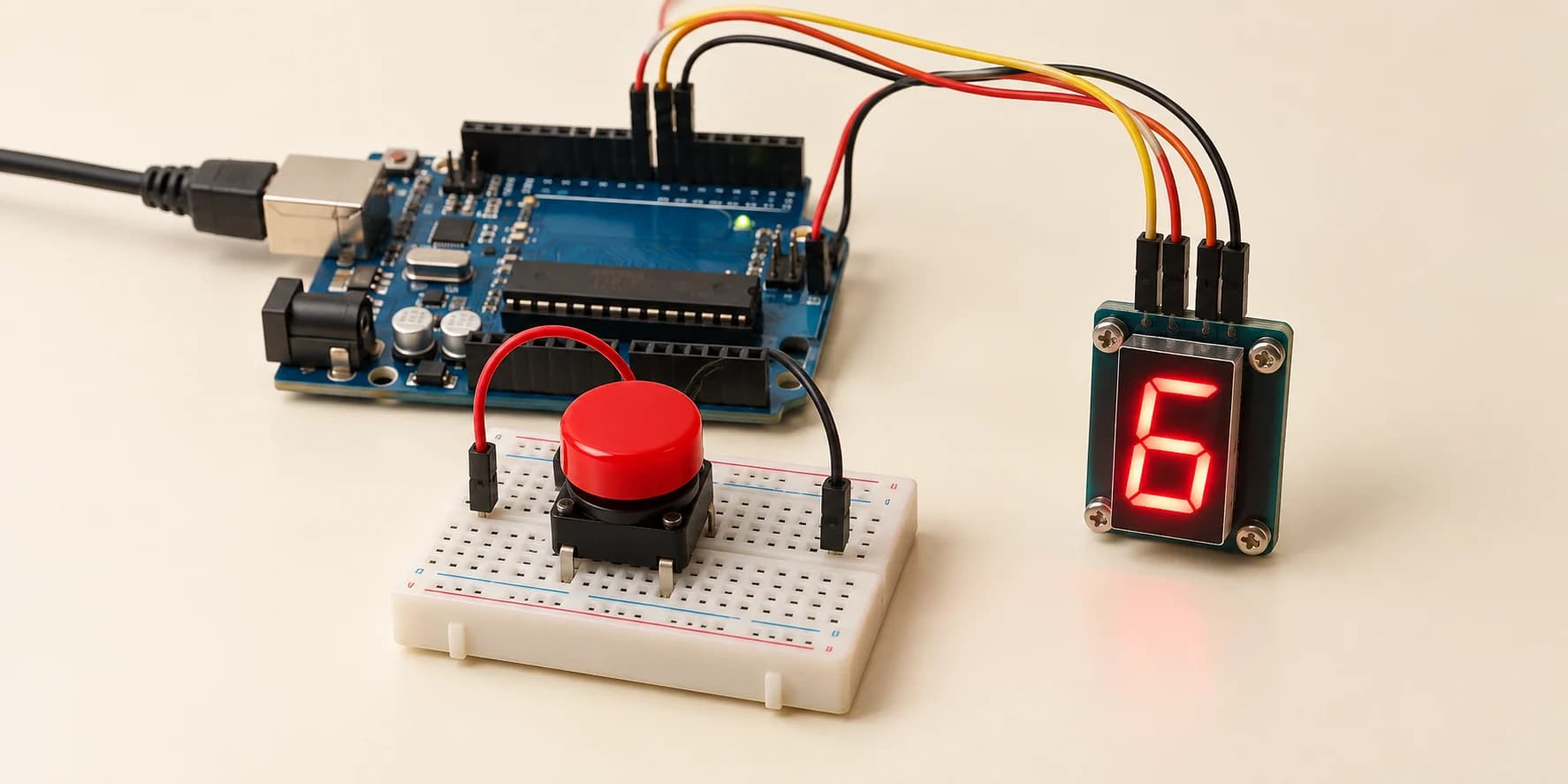
Preview the project free; a course seat is required to run and submit. No hardware kit needed.
Your project challenge
Count button presses on the digit: one press, one count. Wire it up: - Display: as in Level 18. Cathode to GND, a to g on D2 to D8, dp to D9 - Button: pin1 to D12, pin2 to GND This button bounces like a real one. Each press must add exactly 1.
Components you’ll use
- Arduino Uno
- 7-Segment Display (1 digit)
- Pushbutton
What you’ll build
A press counter. Each press of the button adds one to the digit.
How it works
- The display and its table are Level 18’s. The button works like Level 3’s, on D12.
- A button is two metal strips. When they hit, they bounce apart and hit again, usually for under 3 ms.
- So one press can reach the pin as several falling edges (the pin dropping from HIGH to LOW). This button bounces like a real one.
The key idea
Believe a new level only once it has held still. A bounce lasts about 3 ms. A press lasts over 100 ms.
Held still for 20 ms means it is real.
This is called debouncing: ignoring the chatter and keeping the press.
⚠ Watch out
- Delete the
DEBOUNCE_MStest and click once. The digit jumps by 2 or more. - Count while the pin is LOW, instead of when it changes, and the digit races while you hold.
- Level 3 acted when you let go. Counting on the way down or the way up both work here, as long as each press counts once.
The interactive editor includes the wiring guide, code editor and simulation controls.