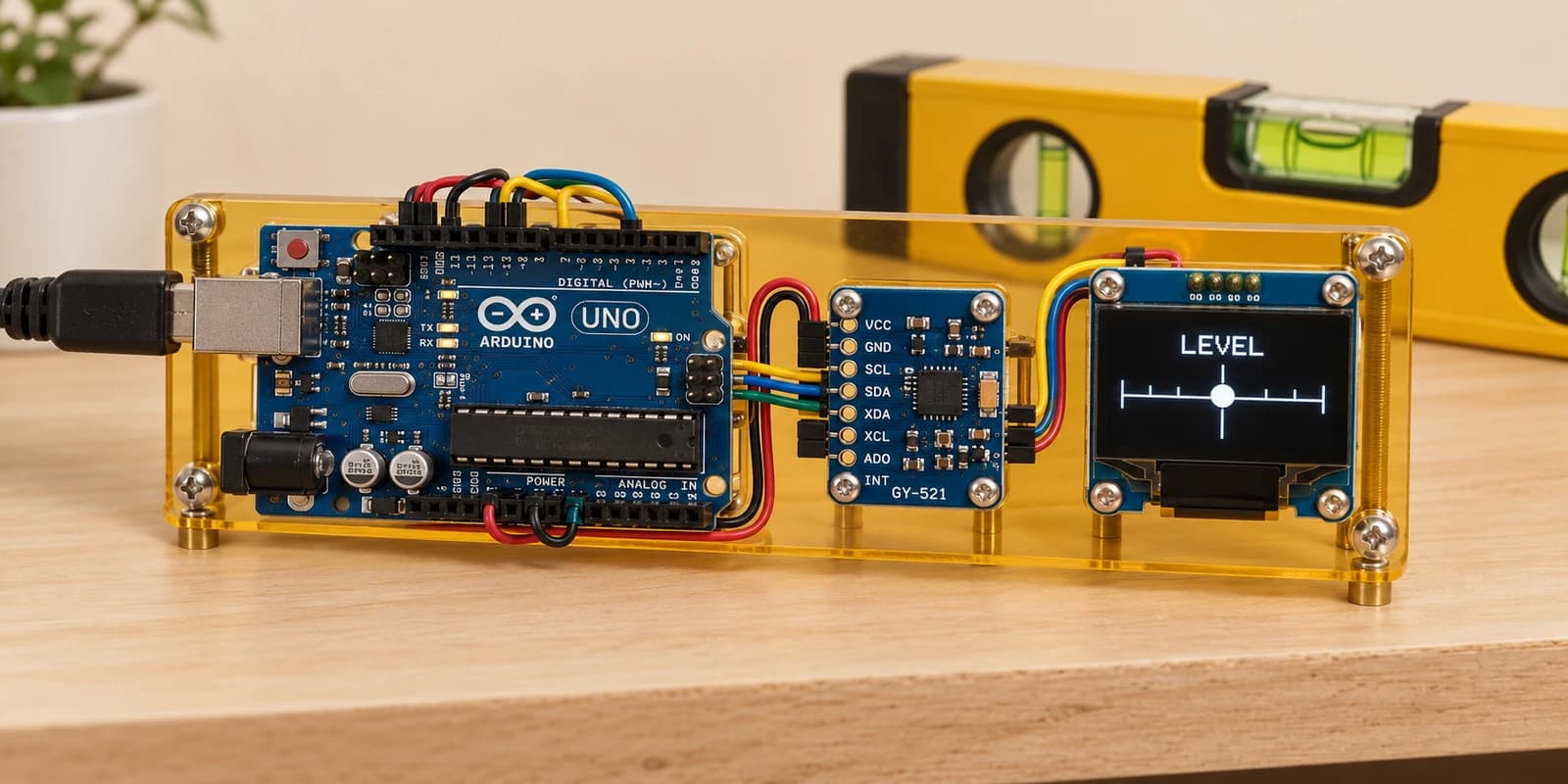
Arduino Digital Spirit Level with MPU6050 and OLED
Level 63 · Level Best · 35 minutes
Build a digital spirit level: tilt a motion sensor and centre the OLED marker to find a level surface.
Preview the project free; a course seat is required to run and submit. No hardware kit needed.
Your project challenge
Wake the MPU6050 at 0x68. Read Y and Z acceleration and calculate atan2(Y,Z) in degrees. Map −60…60° to x=4…120. Draw a 5×8 marker at (x−2,36), with a centre line at x=64. Clear and refresh the OLED. Show LEVEL within ±3°, otherwise TILT.
Components you’ll use
- Arduino Uno
- OLED Display (128×64)
- MPU6050 Tilt Sensor
What you’ll build
A digital spirit level. Wire the sensor and OLED, start the simulation, and move the tilt slider above the sensor. Centre the marker to level your imaginary shelf.
How it works
The sensor measures gravity along its axes. At rest and level, Y is zero and Z is about 16384. Tilting changes their proportions. atan2(Y,Z) gives the signed angle. The slider models a slow tilt from −60 to +60 degrees.
The key idea
Both devices use A4 and A5 but answer at different addresses: the sensor at 0x68 and the OLED at 0x3C. Write zero to sensor register 0x6B to wake it, then read four bytes starting at 0x3D. Combine high and low bytes into signed 16-bit Y and Z values.
Watch out
Keep negative readings signed. Clear the OLED buffer before redrawing and call display to send it. This exercise models static gravity, not a moving vehicle or a precision measuring tool.
The interactive editor includes the wiring guide, code editor and simulation controls.