Arduino Digital Weighing Scale with HX711 and Load Cell
Level 52 · Weigh It · 30 minutes
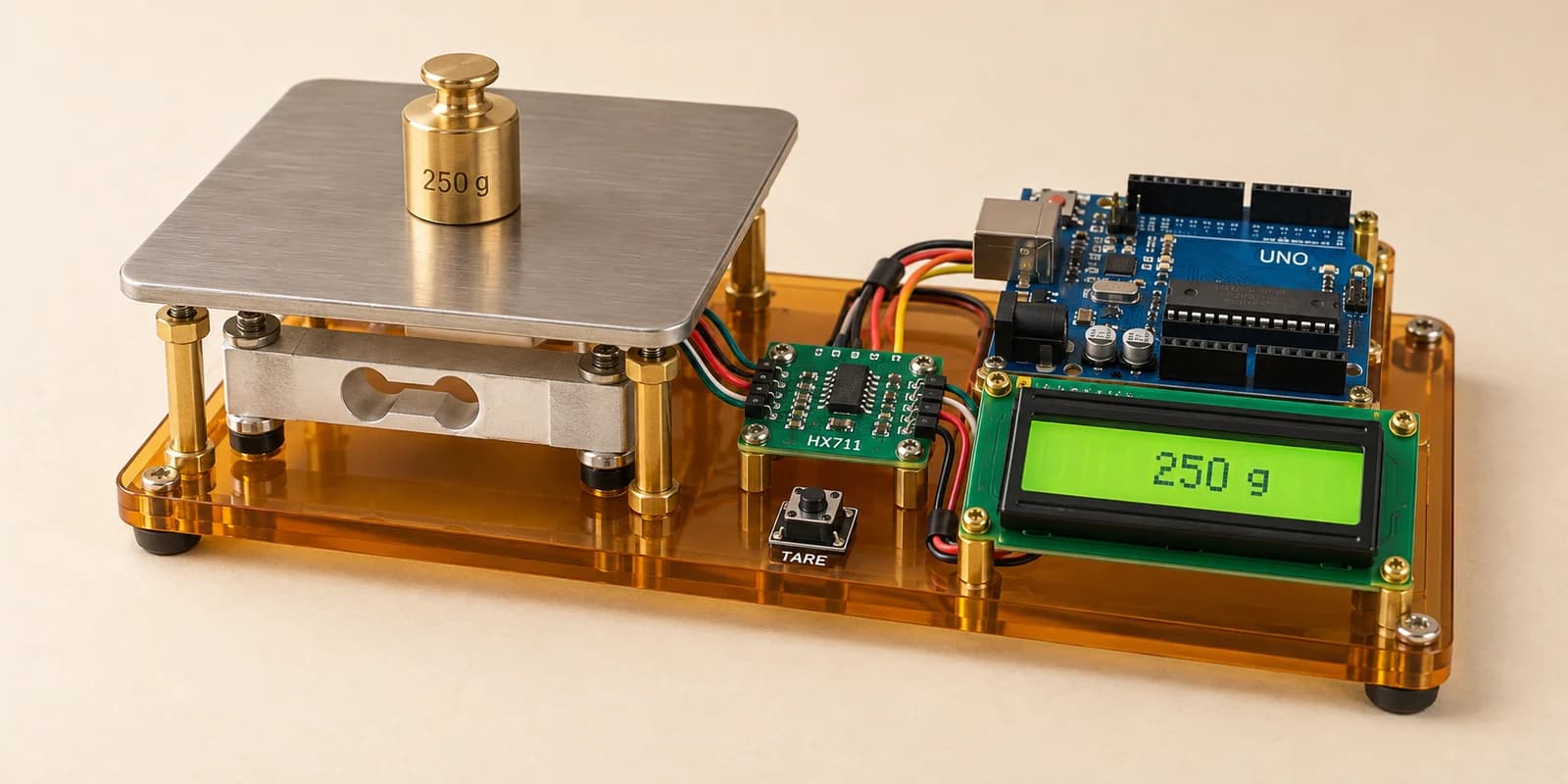
A kitchen scale: a load cell and an HX711 weigh what is on it, the screen shows grams, and a button sets the zero.
Preview the project free; a course seat is required to run and submit. No hardware kit needed.
Your project challenge
Build a kitchen scale. Wire it up: - Load cell: red E+, black E-, white A-, green A+ - HX711: VCC 5V, GND GND, DT A1, SCK A0 - Button: D8 and GND - LCD: the usual twelve wires Top row: only the weight, like 250 g. The button sets the zero (TARE).
Components you’ll use
- Arduino Uno
- Load Cell (5 kg bar)
- HX711 Load Cell Amplifier
- Pushbutton
- LCD 16x2 Display
What you’ll build
A kitchen scale. Put a bowl on it, press TARE, and it shows only what you pour into the bowl.
How it works
- The load cell is a metal bar. A weight bends it a tiny bit, and its four wires carry that as a very small voltage.
- The HX711 board makes that voltage big and turns it into a number, a count.
- The count is not zero with nothing on the scale. That starting count is the offset.
- Each gram adds the same number of counts: the calibration factor. The starter has the one for your cell.
The key idea
TARE means: whatever is on the scale now is the new zero. Press it with the empty bowl on.
scale.tare();
Then get_units() gives grams: the count, minus the offset, divided by the factor.
⚠ Watch out
Swap the green and white wires and every weight reads negative. A factor copied from somebody else’s cell gives wrong grams.
The interactive editor includes the wiring guide, code editor and simulation controls.