Arduino Pedestrian Traffic Light with Countdown
Level 32 · Crossing · 40 minutes
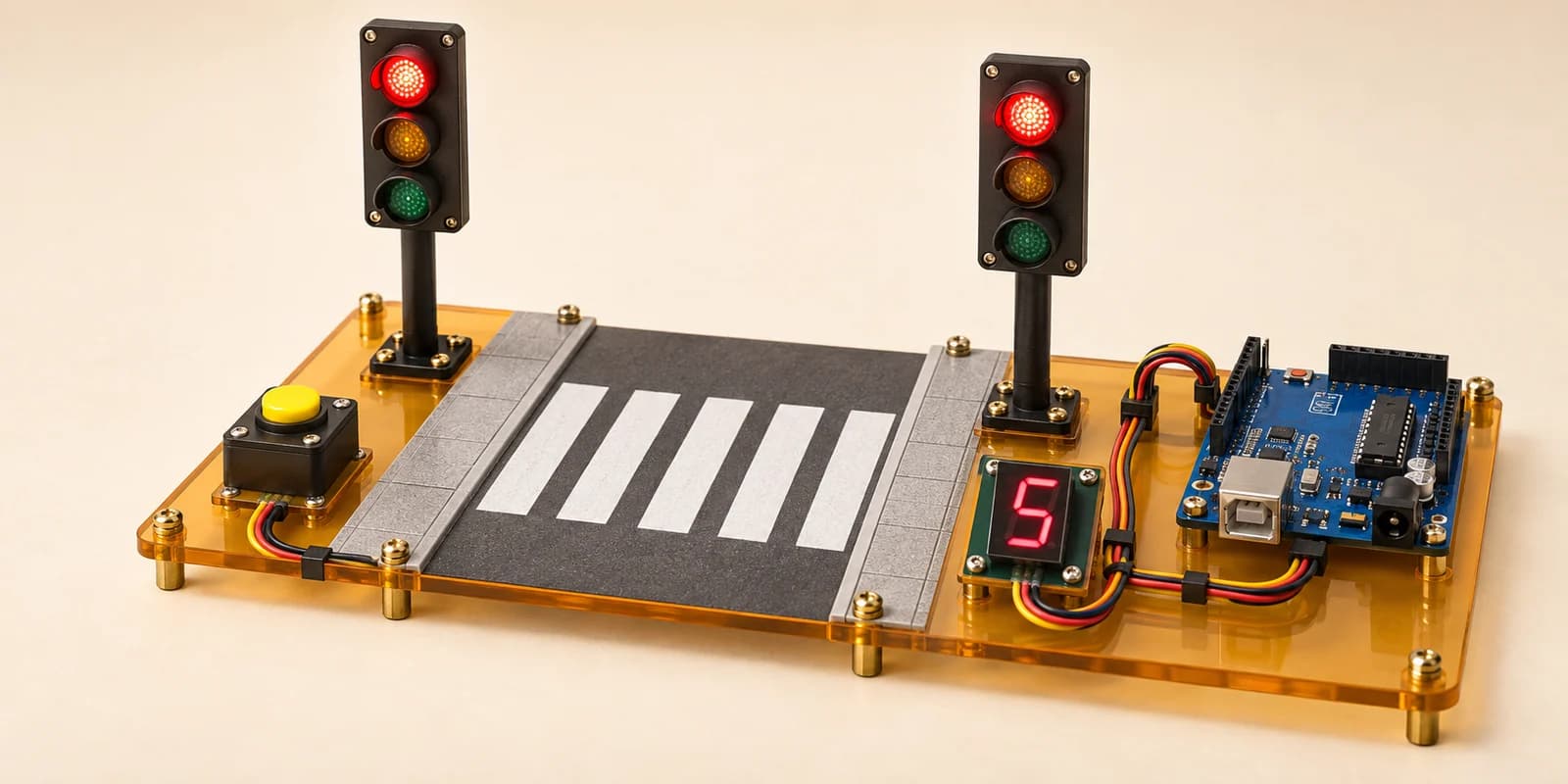
A pedestrian crossing: the cars run green until somebody presses the button, and then a countdown.
Preview the project free; a course seat is required to run and submit. No hardware kit needed.
Your project challenge
Cars go green until somebody presses the button. Wire it up: - Display: cathode to GND, a to g on D2 to D8 - North head: red D9, amber D10, green D11 - South head: red A0, amber A1, green A2 - Button: pin1 to D12, pin2 to GND Press: amber 2 seconds, then red. Count 4 down to 1. Then green.
Components you’ll use
- Arduino Uno
- LED (Light-Emitting Diode) × 6
- Pushbutton
- 7-Segment Display (1 digit)
What you’ll build
A pedestrian crossing. The cars run green until somebody presses the button.
How it works
- Two heads, one facing each way, always show the same colour.
- Nobody waiting: both greens are lit and the display reads
0. - A press starts amber for
2seconds. Then red. - While red, the display counts
4,3,2,1, one a second. - Then the display shows
0again and the cars go green. - A0 to A2 are ordinary digital pins. The A only means they can also read a voltage.
The key idea
A crossing is a list of phases in order, not a set of rules.
Green waits for a person. Amber and red wait for the clock.
So read the button only while the cars are green. Once the sequence starts, let it finish.
⚠ Watch out
The display is the part people forget. Get all six lamps right, leave the digit on 0, and six checks still fail. The count is part of the crossing.
The interactive editor includes the wiring guide, code editor and simulation controls.