Arduino Record and Replay Robot Path with Arrays
Level 30 · Level 30 — Copy My Drive · 30 minutes
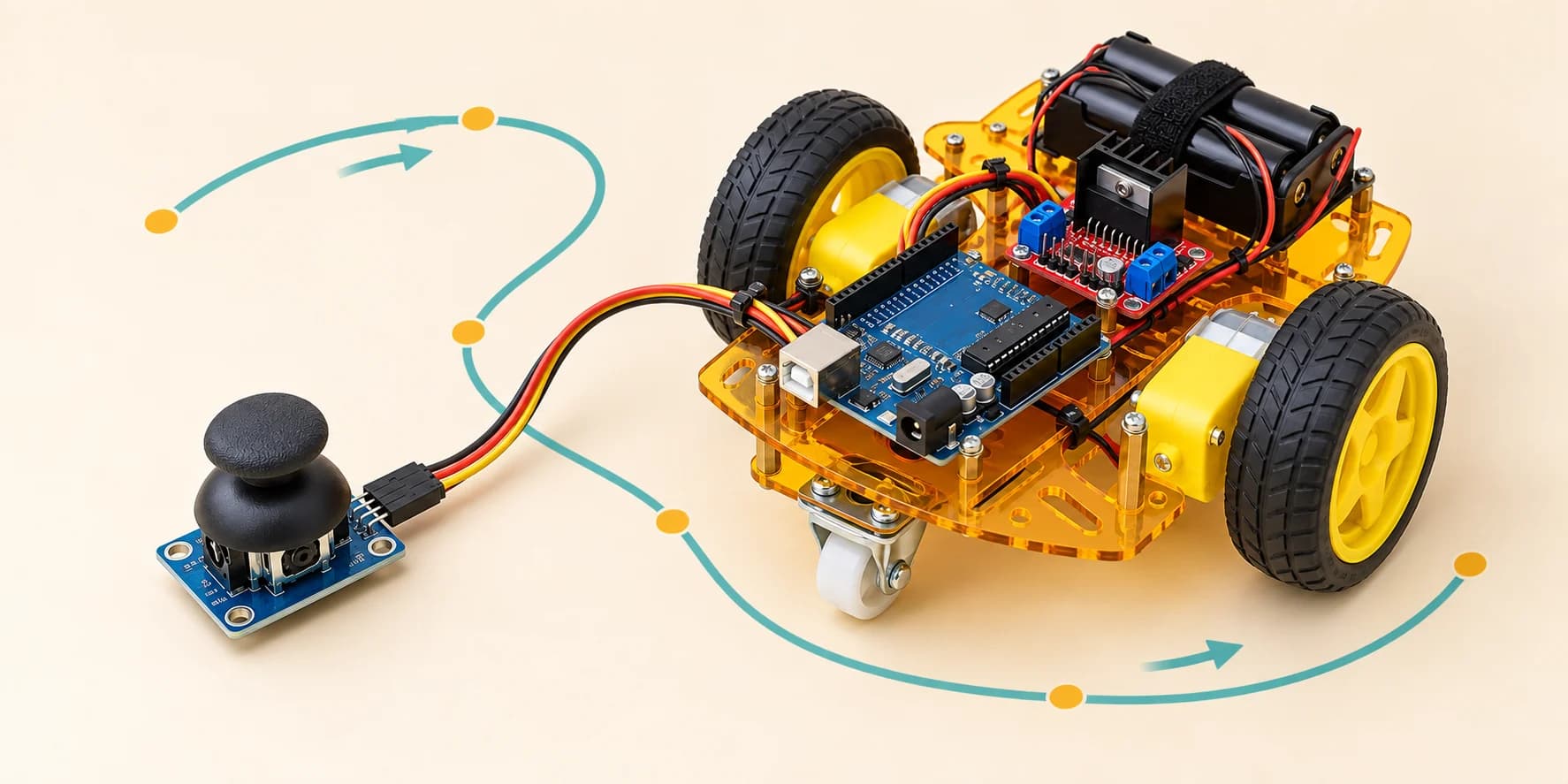
Press RECORD and drive, then press PLAY: the robot copies the route from two arrays and ignores the stick.
Preview the project free; a course seat is required to run and submit. No hardware kit needed.
Your project challenge
Record a drive; the robot copies it. - Buttons: RECORD D2, PLAY D3 - Lights: red D13, green D12 - RECORD: red on, save both wheels every 50 ms - PLAY: red off, green on, replay, ignore stick - Copy ends: lights off, drive again - RECORD again: new recording, PLAY plays it Print RECORDING, PLAYING BACK, DONE. Keep the dead zone. Arrays: 5+ seconds.
Components you’ll use
- Arduino Uno
- L298N Motor Driver
- DC Gear Motor × 2
- Battery
- Pushbutton × 2
- LED (Light-Emitting Diode) × 2
- Joystick (KY-023)
What you’ll build
A robot that remembers your drive for up to 30 seconds.
How it works
- Press Run and drag the stick to drive.
- Press red RECORD, then drive. The red light means recording.
- Press green PLAY. The simulator returns the car to your recording’s start and repeats the saved movements.
- The green light means playback. The stick is ignored until playback ends.
- Press RECORD for a new drive, or PLAY to repeat it. Stopping simulation clears memory.
- Serial prints
RECORDING,PLAYING BACK,DONE.
The key idea
Two arrays save wheel powers every 50 ms. An index selects the next saved pair.
600 boxes × 50 ms = 30000 ms: thirty seconds.
Each signed byte holds -127 to 127. Two arrays use 1200 bytes of the Uno’s 2048.
⚠ Watch out
FULL means the car stopped: your first 30 seconds are saved. Press PLAY. Use the same sample timing for recording and playback.
The interactive editor includes the wiring guide, code editor and simulation controls.