Arduino Temperature Controlled Fan with LM35 and Relay
Level 41 · Cool It · 35 minutes
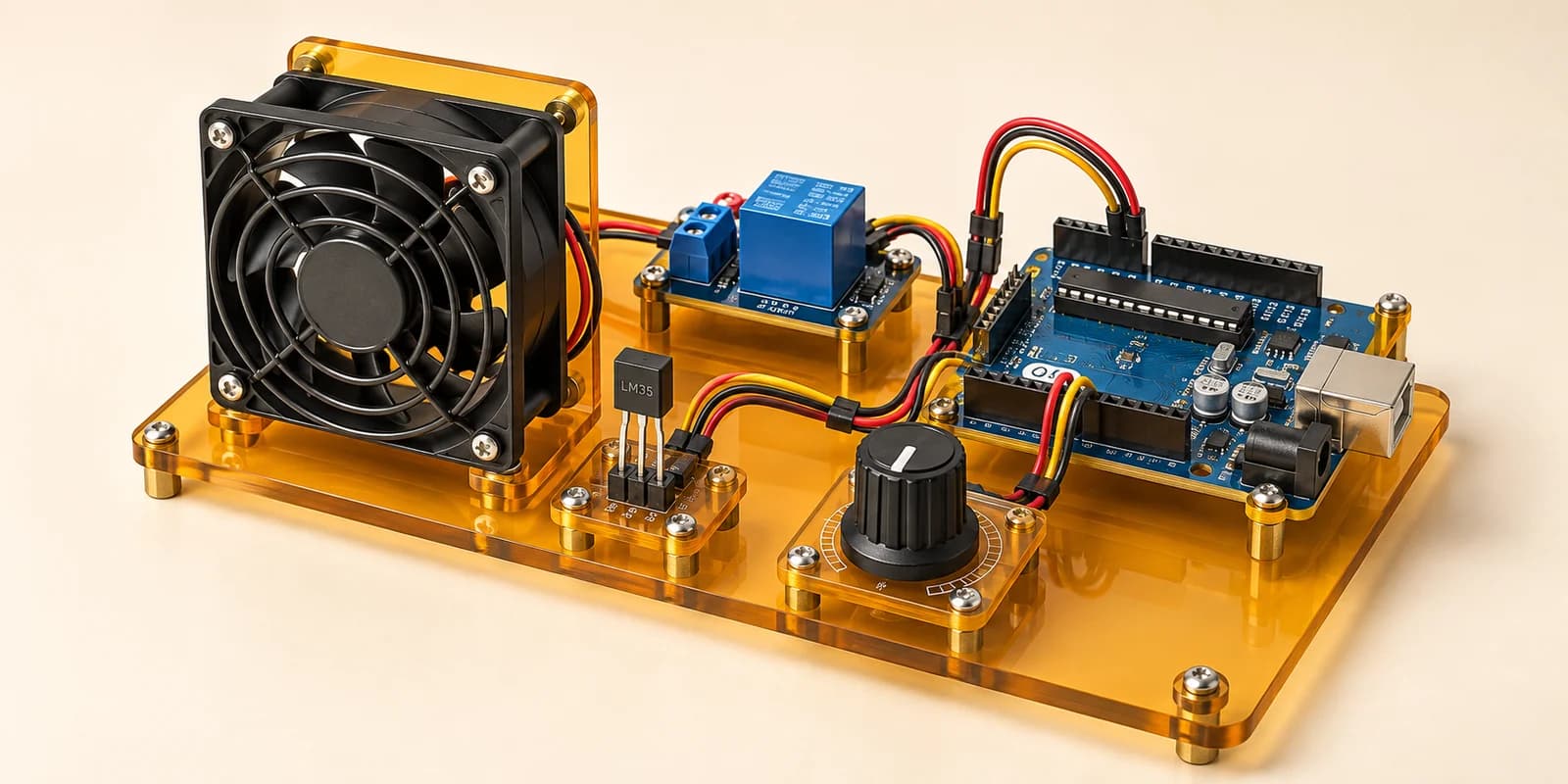
A fan that switches itself on: an LM35 reads the room, a knob sets the target, and a relay does the rest.
Preview the project free; a course seat is required to run and submit. No hardware kit needed.
Your project challenge
Run a fan when the room is hotter than the knob says. Wire it up: - LM35: +VS 5V, VOUT A0, GND GND - Knob: outer pins 5V and GND, middle A1 - Relay: VCC 5V, GND GND, IN D7 The knob sets the target: 0 is 20 °C, 1023 is 40 °C. Hotter: fan ON. Otherwise OFF. Switch within two seconds.
Components you’ll use
- Arduino Uno
- LM35 Temperature Sensor
- Potentiometer
- Relay Module
What you’ll build
A fan that switches itself on when the room gets hotter than you asked for.
How it works
- The LM35 gives
10mV for every degree. 25 °C is 0.25 V. analogRead()turns 0 to 5 V into a count from 0 to 1023.- The knob sets the target:
20°C at 0,40°C at 1023. - The relay is active low. LOW turns the fan ON.
- The fan must follow a change within
2seconds. - Drag the LM35’s slider and turn the knob to test it.
The key idea
A count is not a temperature. Turn it into degrees before you compare.
5000 mV ÷ 1024 = 4.88 mV per count. That is 0.488 °C per count.
celsius = raw * 500.0 / 1024
Then the fan is ON when celsius is bigger than the target.
⚠ Watch out
Keep the .0. Without it the sum uses whole numbers. raw * 500 is then too big for an int once the room is above about 32 °C. At 35 °C it reads -29, and the fan stays off in the heat.
The interactive editor includes the wiring guide, code editor and simulation controls.