Arduino Laser Security Alarm with KY-008 Laser and Receiver
Build a laser tripwire alarm: switch the laser on, check the receiver sees it, give the owner three seconds to leave, then sound a siren that stays on when anyone breaks the beam.
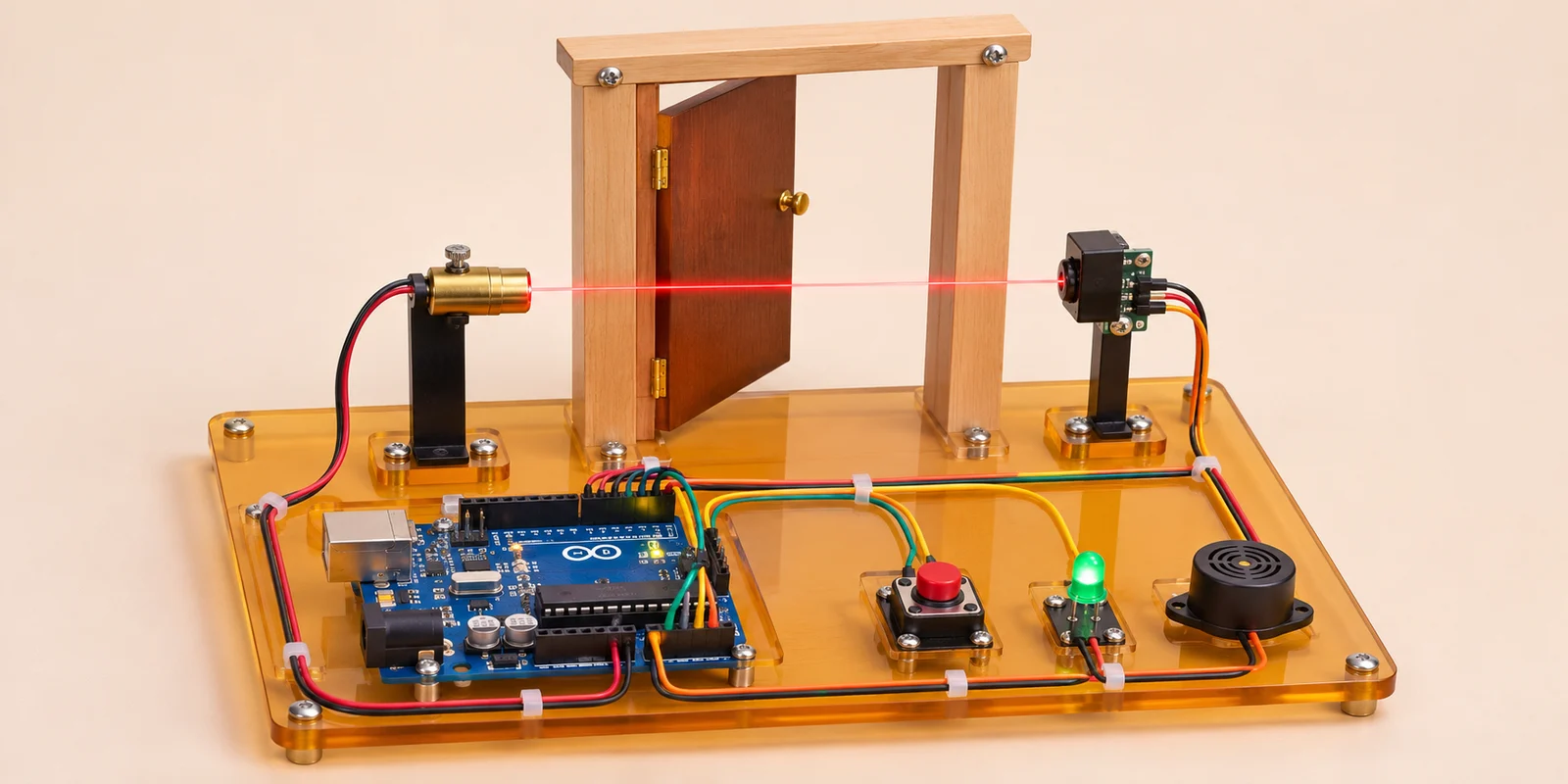
Your project challenge
Press ARM: switch the laser on and read the receiver. No beam: beep twice, laser off. Beam seen: after 3 seconds light the green LED. Armed and the beam breaks: sound the buzzer until ARM is pressed. Pressing ARM while on switches the laser, LED and buzzer off.
Components you’ll use
- Arduino Uno
- Laser Module (KY-008)
- Laser Receiver Module
- Pushbutton
- LED (Light-Emitting Diode)
- Piezo Buzzer
What you’ll build
A laser tripwire, like the ones guarding treasure in films. A red beam crosses a doorway to a receiver. When someone walks through, the siren sounds and keeps sounding until the owner switches it off.
How it works
The laser lights while D9 is HIGH. The receiver’s OUT is HIGH while it sees the laser and LOW when the beam is broken. Your sketch controls the laser, so the receiver sees nothing until you switch it on. Use the receiver’s button to walk through the beam.
The key idea
Check first, then wait, then watch. After switching the laser on, make sure the receiver sees it: a box in the way would hide an intruder. Give the owner three seconds to leave. Then remember an alarm until ARM is pressed.
⚠ Watch out
Never look into a laser. Switch it off whenever the alarm is off.
Make it yours: bounce the beam off two mirrors so it zig-zags across a corridor.
The editor has the wiring guide, the code and the simulator.
Build this project