Arduino Talking Glove with Flex Sensors for People Who Cannot Speak
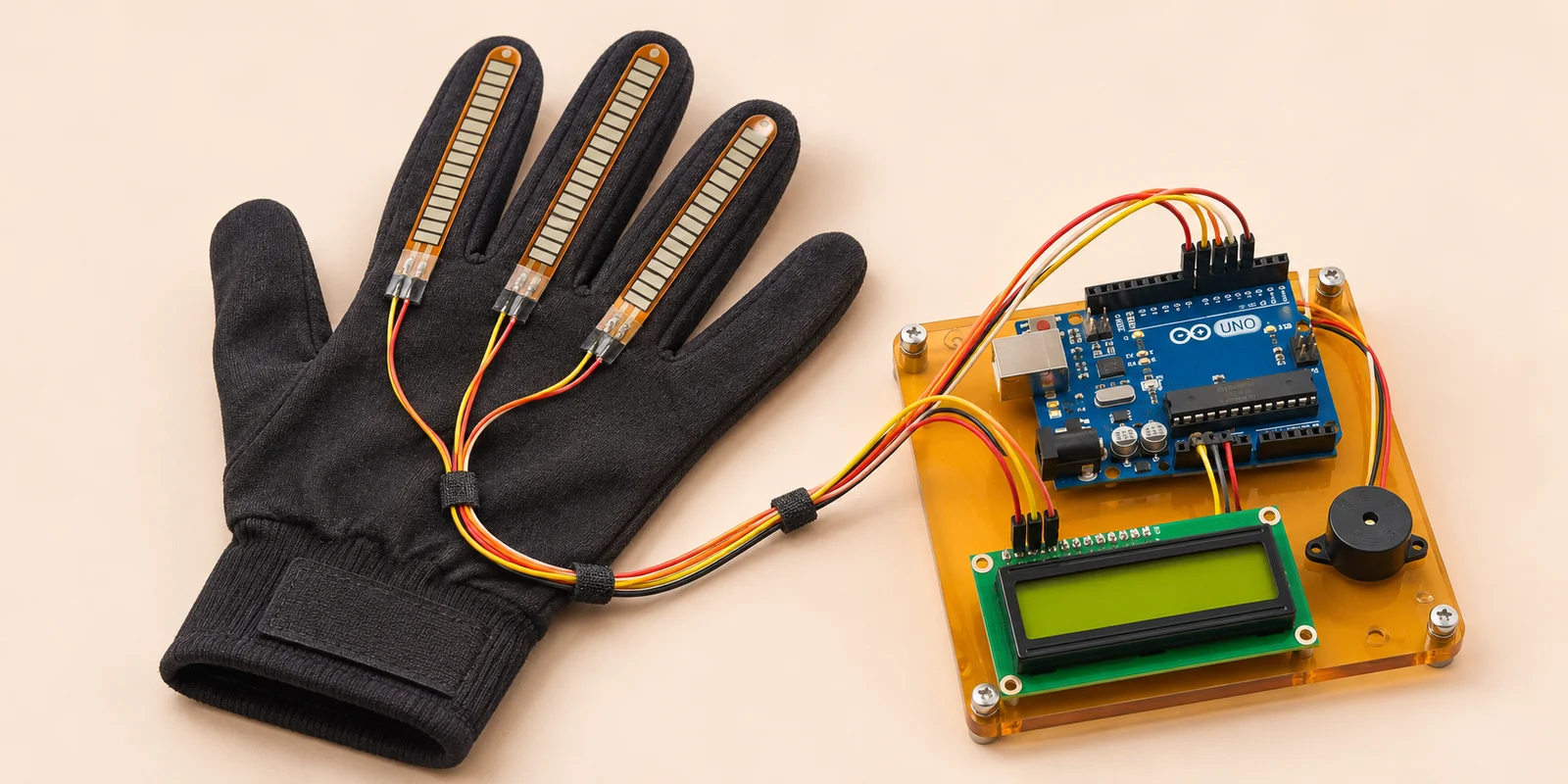
Build a talking glove: read three flex sensors, turn each hand shape into a phrase on the LCD after it is held for half a second, and call for help with the buzzer.
Your project challenge
Read A0, A1 and A2: below 500 means that finger is bent. Index: Water please. Index and middle: Food please. All three: Help me!, with the buzzer sounding. Middle and ring: Thank you. None: Ready. Anything else: ?. Change the screen only after a hand shape has stayed the same for 500 ms.
Components you’ll use
- Arduino Uno
- Flex Sensor (2.2 inch) × 3
- Piezo Buzzer
- LCD 16x2 Display
What you’ll build
A glove that speaks for someone who cannot. Bend fingers into a shape and the screen shows a phrase. A fist calls for help with a buzzer. Students across India build gloves like this for science fairs.
How it works
A flex sensor is a strip whose resistance rises when it bends. With a fixed resistor it makes a voltage that falls as the finger bends: about 668 straight and 394 bent. Use each sensor’s slider to bend a finger.
The key idea
Turn three readings into one hand shape, then look the shape up. Fingers never move at exactly the same moment. Wait until the shape has stayed the same for half a second before you change the screen.
⚠ Watch out
Print the phrase only when it changes, or the screen flickers. Clear the old phrase: Food please is longer than Thank you.
Make it yours: real strips differ by up to 30%. Save each finger’s straight reading at start-up and treat 150 less as bent.
The editor has the wiring guide, the code and the simulator.
Build this project